The OHIF Viewer is a zero-footprint medical image viewer provided by the Open Health Imaging Foundation (OHIF). It is a configurable and extensible progressive web application with out-of-the-box support for image archives which support DICOMweb.
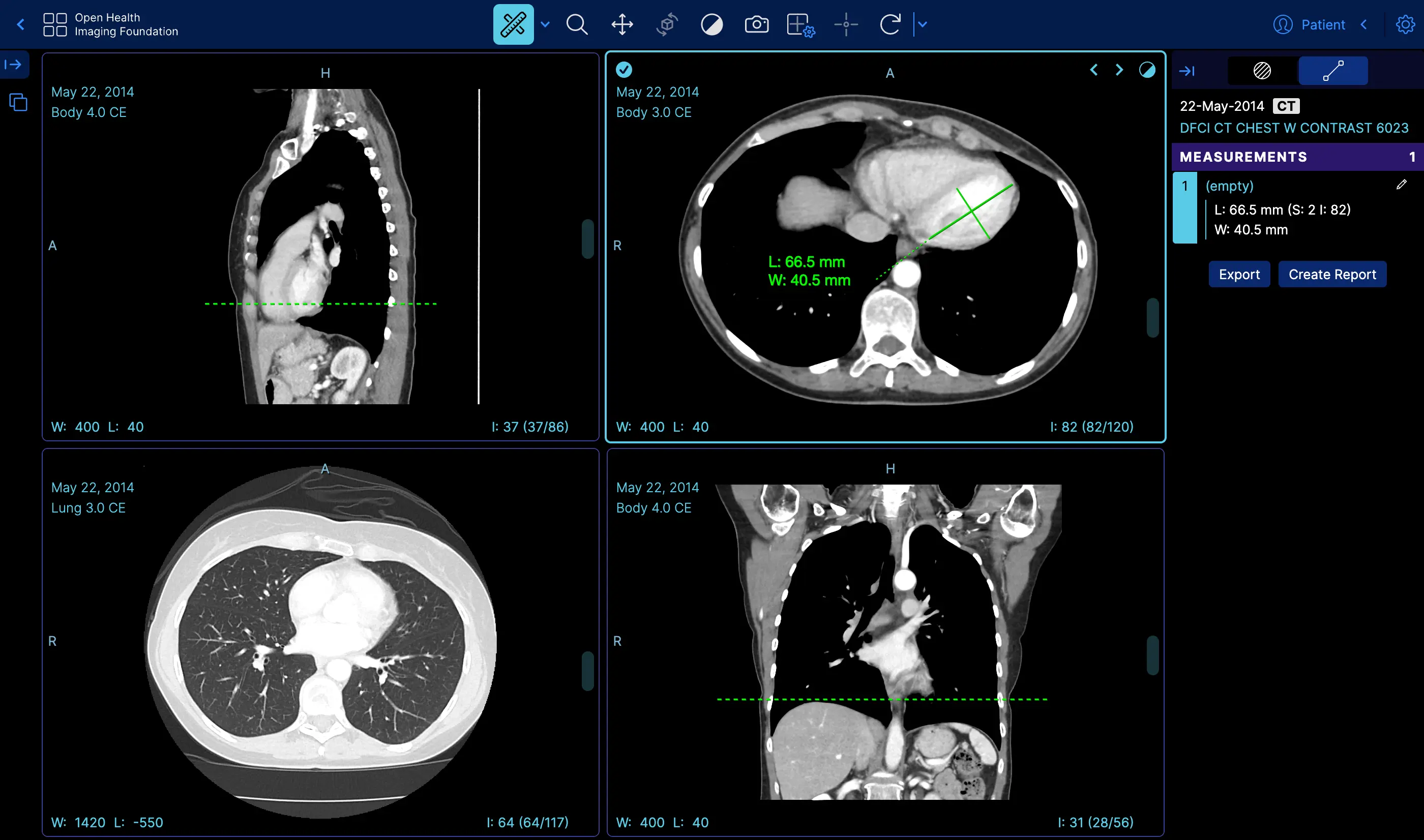 | Measurement Tracking | [Demo](https://viewer.ohif.org/viewer?StudyInstanceUIDs=1.3.6.1.4.1.25403.345050719074.3824.20170125095438.5) |
|
| Measurement Tracking | [Demo](https://viewer.ohif.org/viewer?StudyInstanceUIDs=1.3.6.1.4.1.25403.345050719074.3824.20170125095438.5) |
| 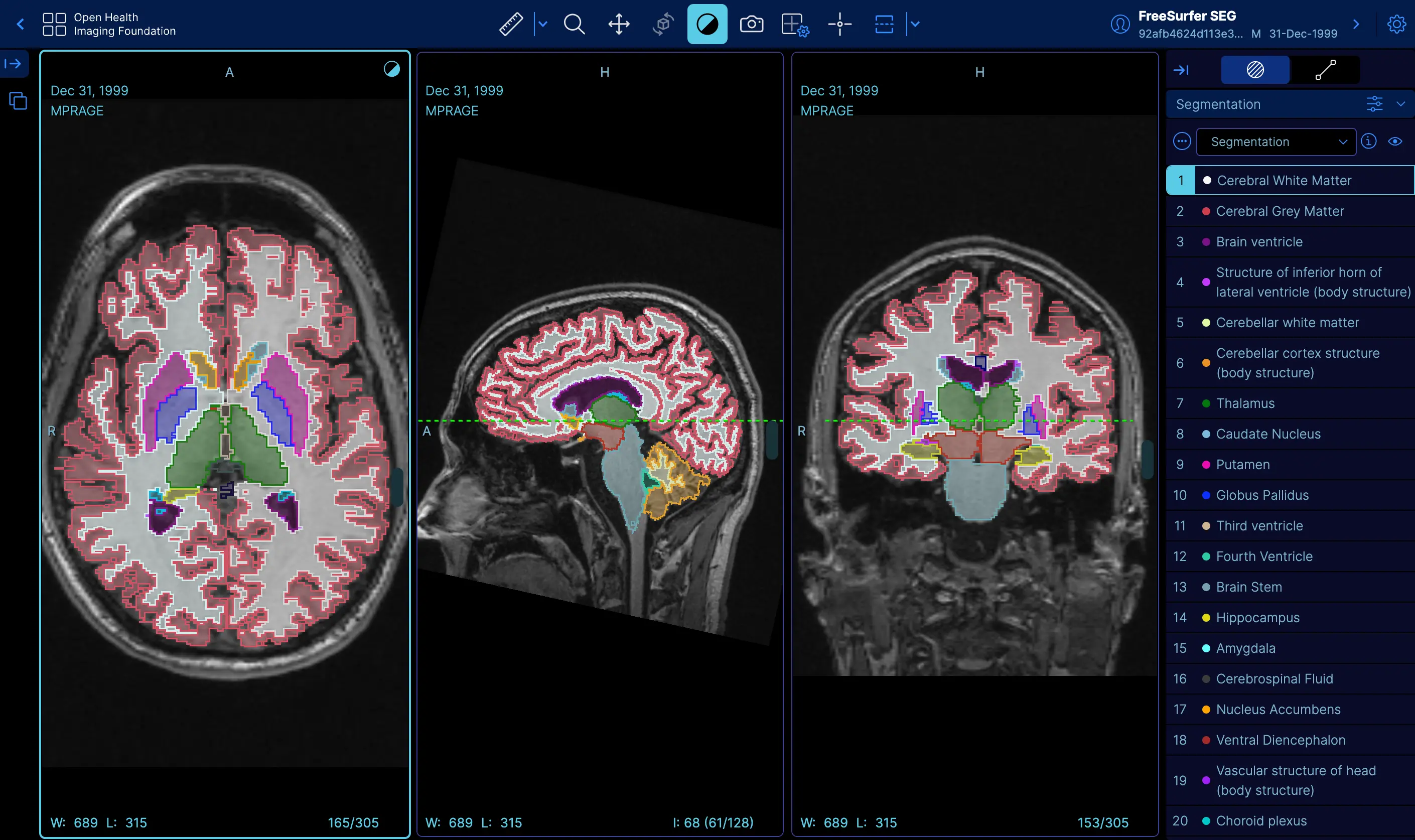 | Labelmap Segmentations | [Demo](https://viewer.ohif.org/viewer?StudyInstanceUIDs=1.3.12.2.1107.5.2.32.35162.30000015050317233592200000046) |
|
| Labelmap Segmentations | [Demo](https://viewer.ohif.org/viewer?StudyInstanceUIDs=1.3.12.2.1107.5.2.32.35162.30000015050317233592200000046) |
| 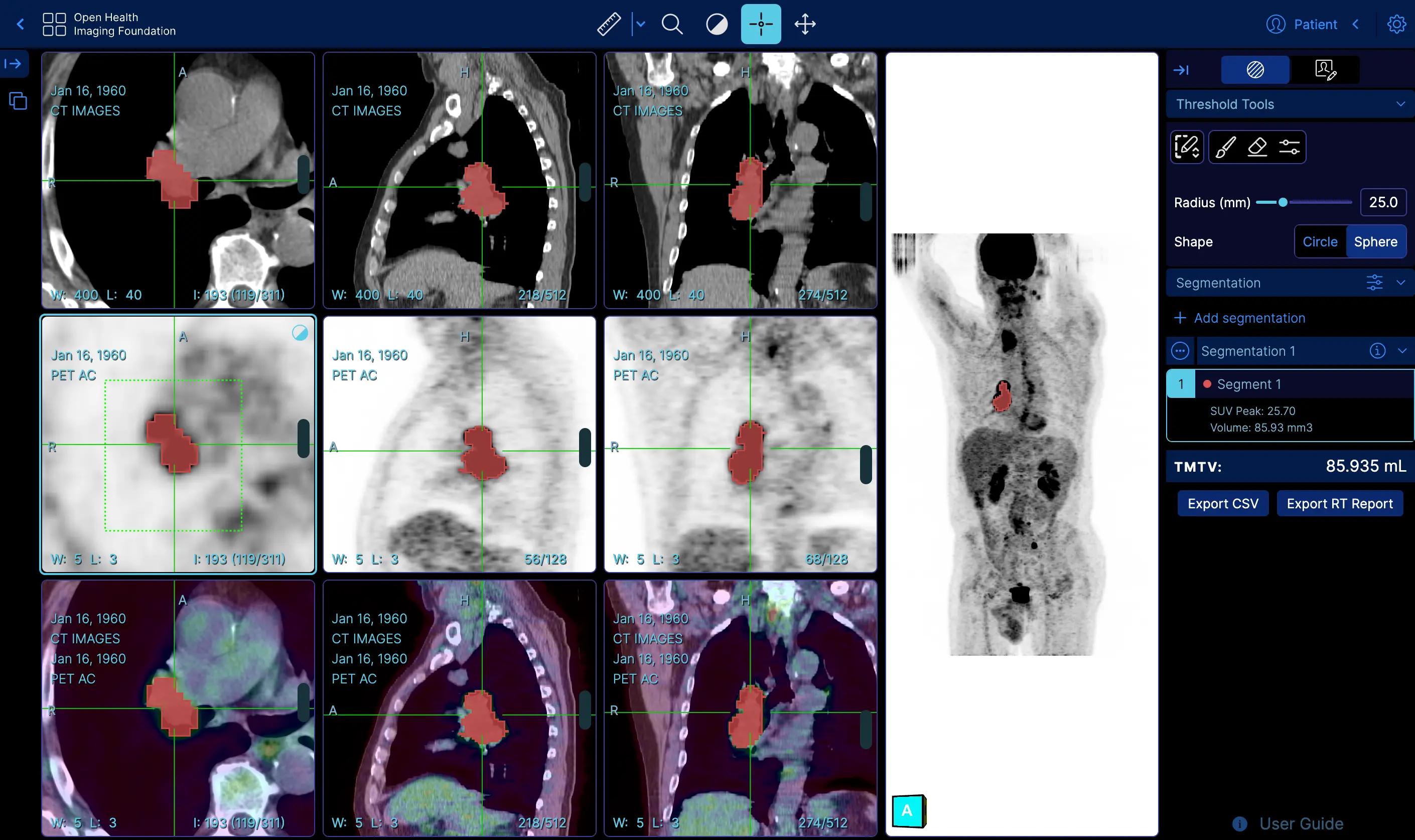 | Fusion and Custom Hanging protocols | [Demo](https://viewer.ohif.org/tmtv?StudyInstanceUIDs=1.3.6.1.4.1.14519.5.2.1.7009.2403.334240657131972136850343327463) |
|
| Fusion and Custom Hanging protocols | [Demo](https://viewer.ohif.org/tmtv?StudyInstanceUIDs=1.3.6.1.4.1.14519.5.2.1.7009.2403.334240657131972136850343327463) |
| 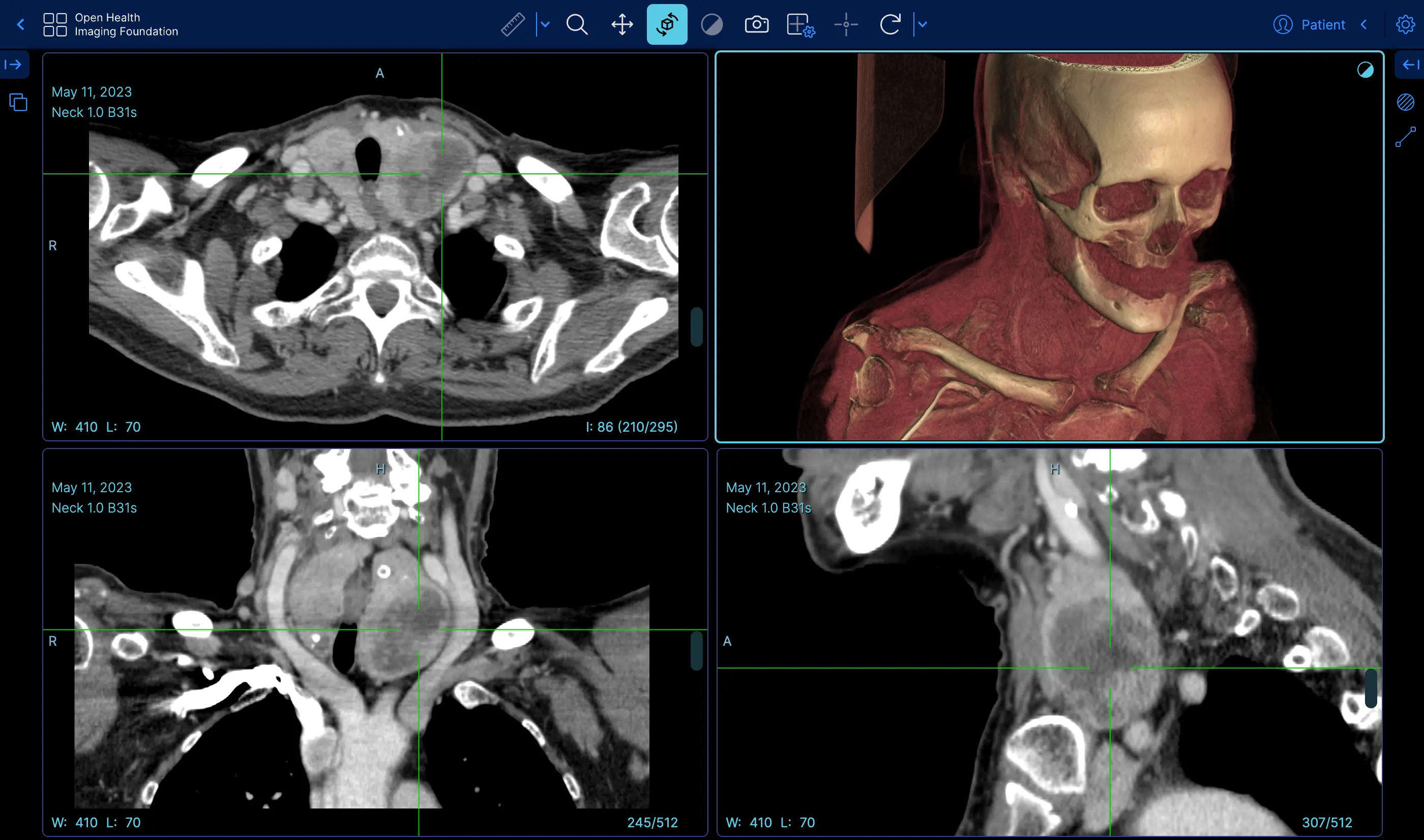 | Volume Rendering | [Demo](https://viewer.ohif.org/viewer?StudyInstanceUIDs=1.3.6.1.4.1.25403.345050719074.3824.20170125095438.5&hangingprotocolId=mprAnd3DVolumeViewport) |
|
| Volume Rendering | [Demo](https://viewer.ohif.org/viewer?StudyInstanceUIDs=1.3.6.1.4.1.25403.345050719074.3824.20170125095438.5&hangingprotocolId=mprAnd3DVolumeViewport) |
| 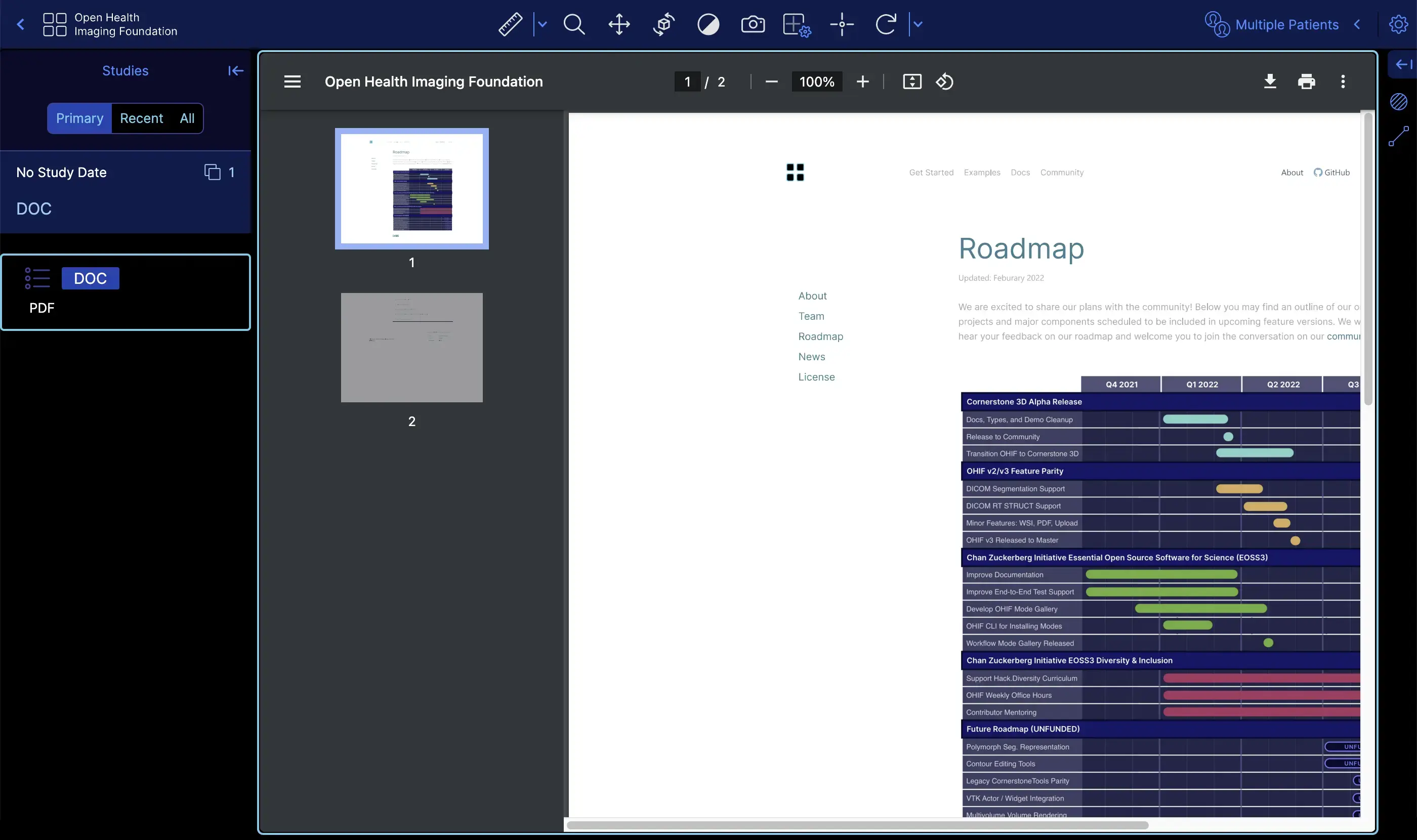 | PDF | [Demo](https://viewer.ohif.org/viewer?StudyInstanceUIDs=2.25.317377619501274872606137091638706705333) |
|
| PDF | [Demo](https://viewer.ohif.org/viewer?StudyInstanceUIDs=2.25.317377619501274872606137091638706705333) |
| 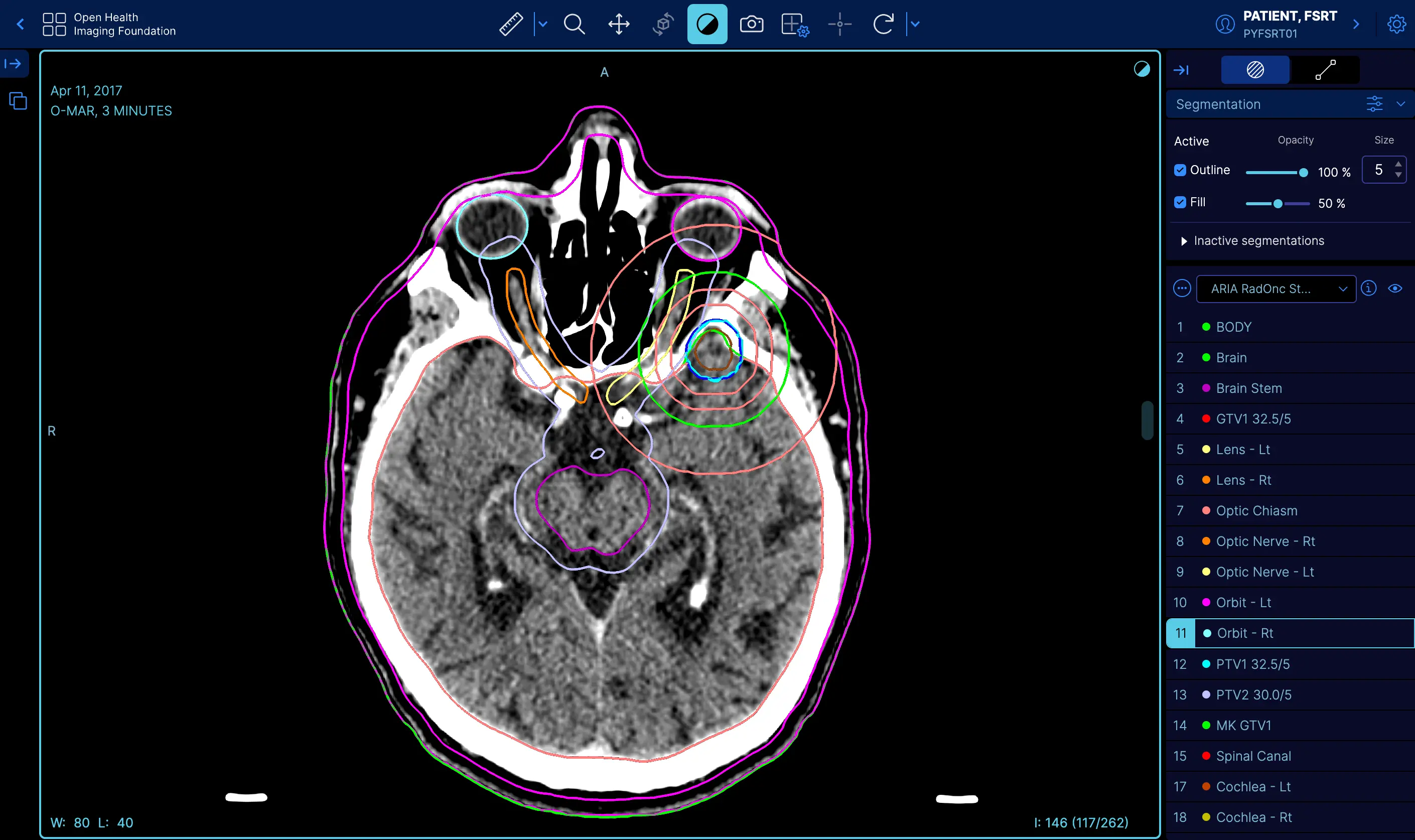 | RT STRUCT | [Demo](https://viewer.ohif.org/viewer?StudyInstanceUIDs=1.3.6.1.4.1.5962.99.1.2968617883.1314880426.1493322302363.3.0) |
|
| RT STRUCT | [Demo](https://viewer.ohif.org/viewer?StudyInstanceUIDs=1.3.6.1.4.1.5962.99.1.2968617883.1314880426.1493322302363.3.0) |
| 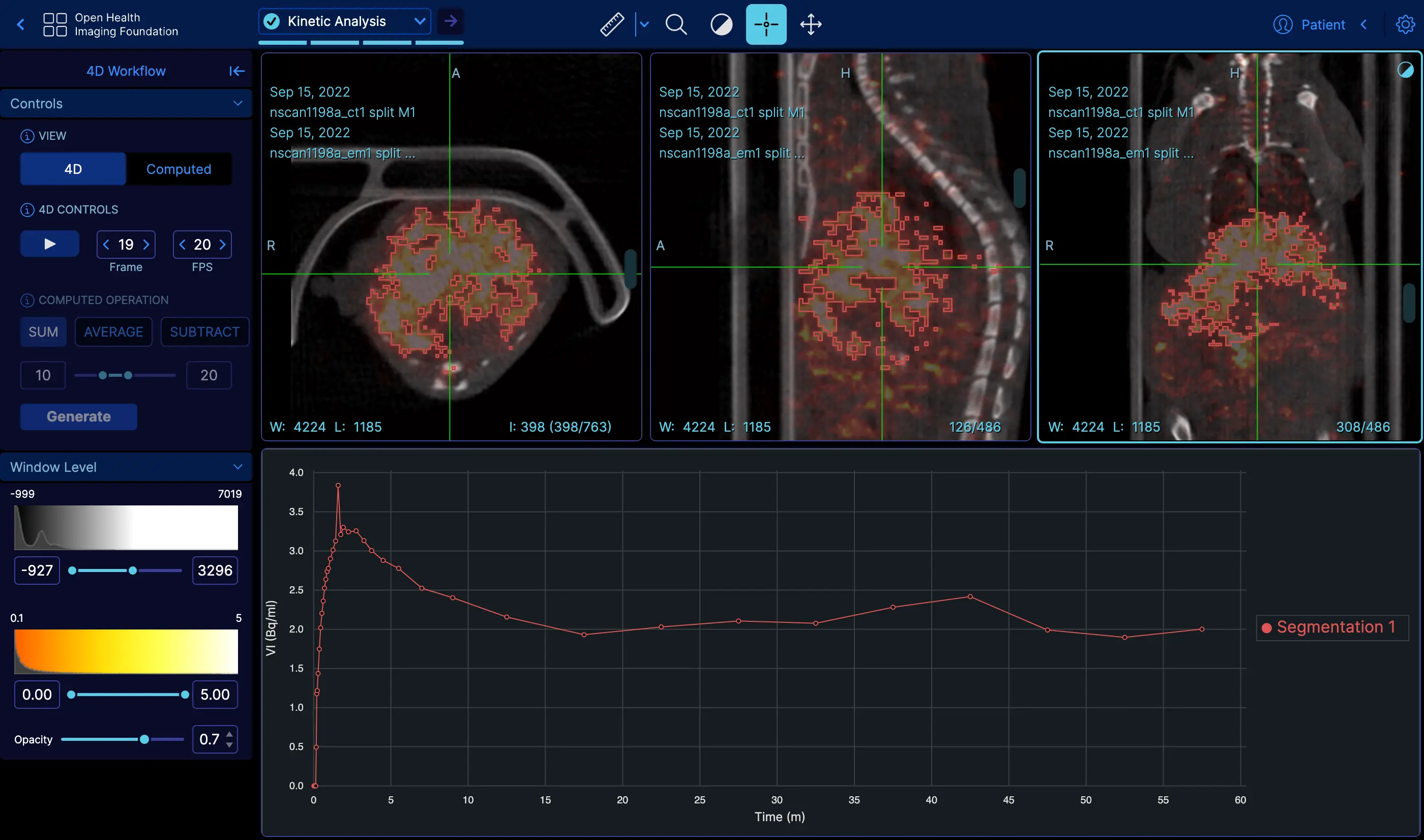 | 4D | [Demo](https://viewer.ohif.org/dynamic-volume?StudyInstanceUIDs=2.25.232704420736447710317909004159492840763) |
|
| 4D | [Demo](https://viewer.ohif.org/dynamic-volume?StudyInstanceUIDs=2.25.232704420736447710317909004159492840763) |
| 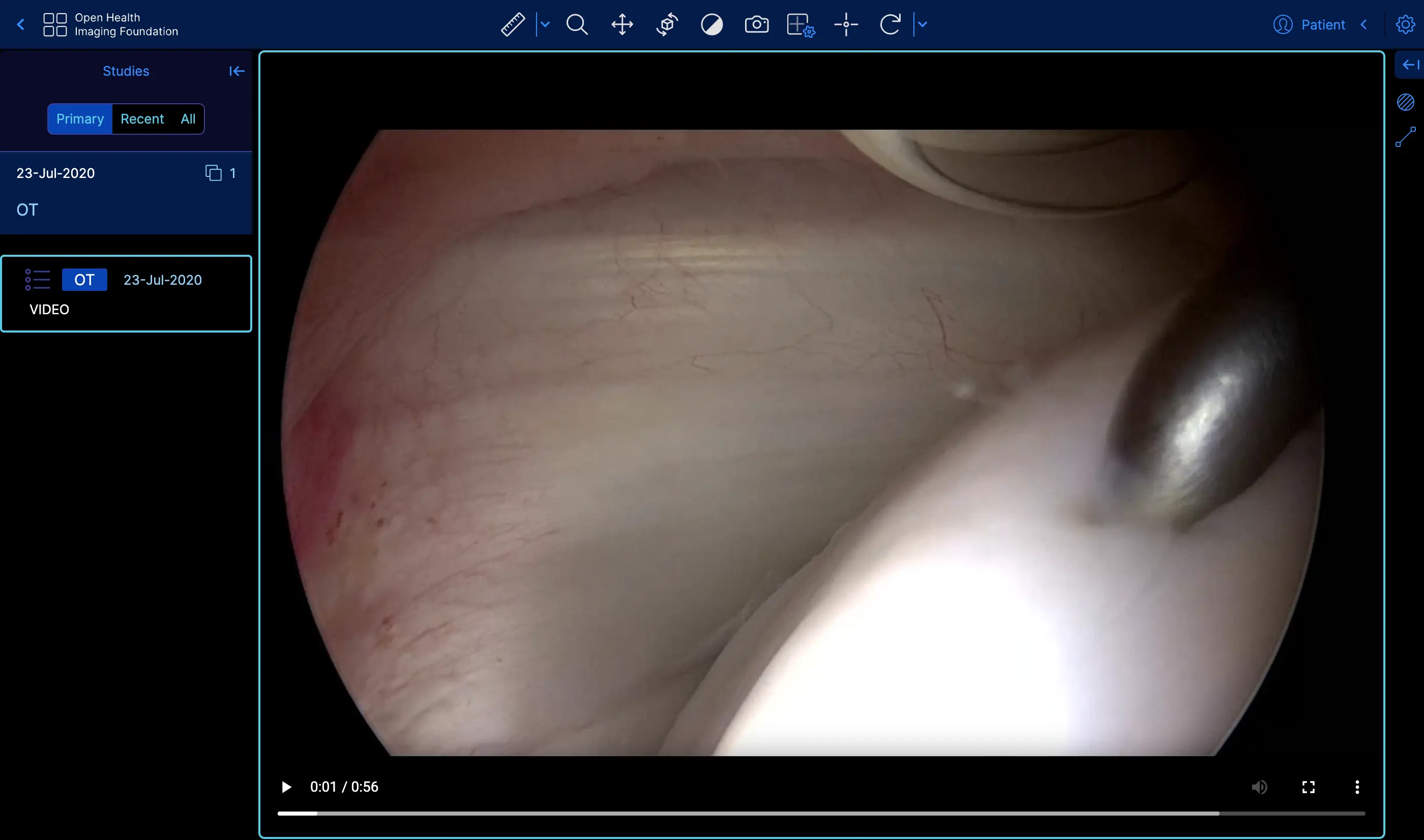 | Video | [Demo](https://viewer.ohif.org/viewer?StudyInstanceUIDs=2.25.96975534054447904995905761963464388233) |
|
| Video | [Demo](https://viewer.ohif.org/viewer?StudyInstanceUIDs=2.25.96975534054447904995905761963464388233) |
| 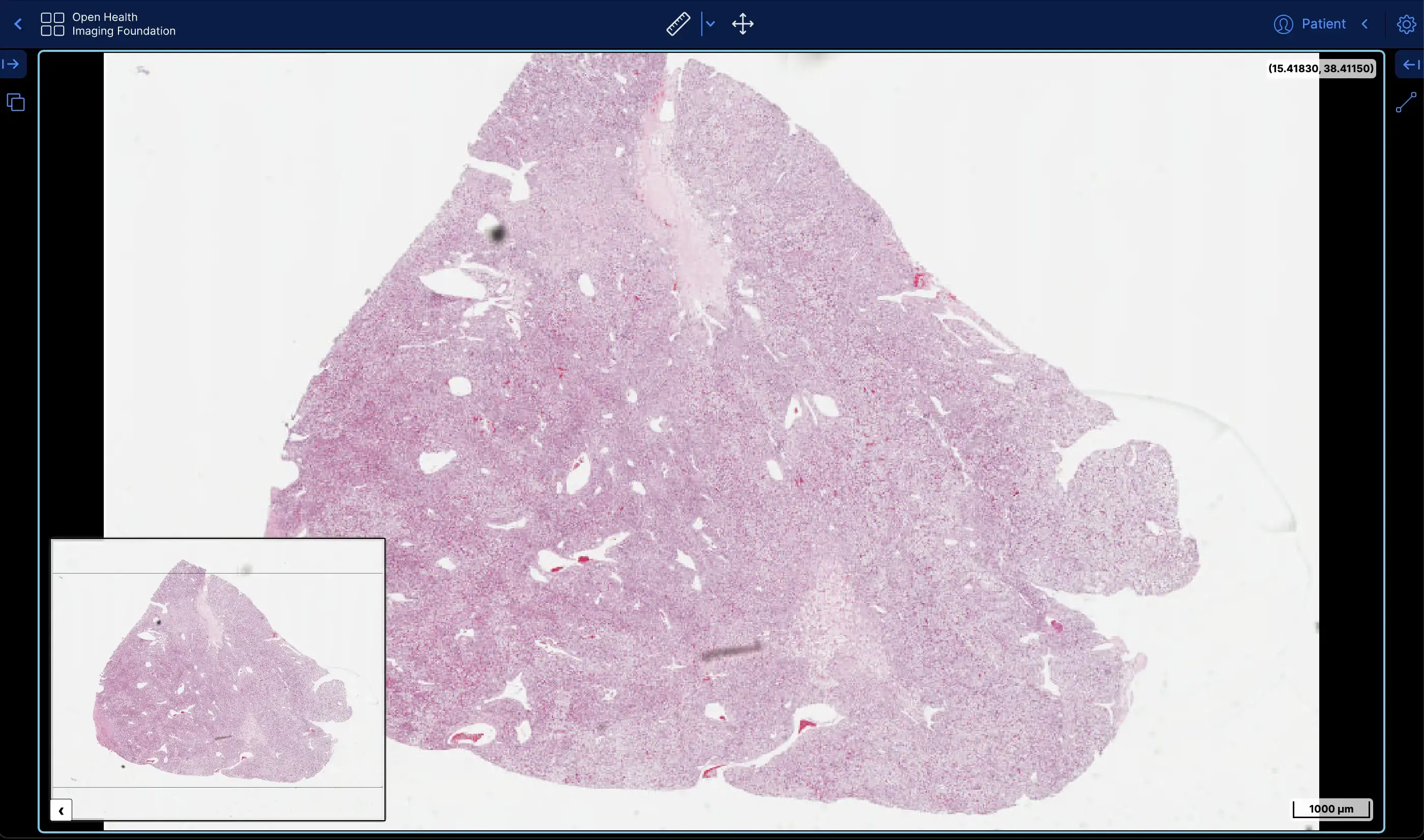 | Slide Microscopy | [Demo](https://viewer.ohif.org/microscopy?StudyInstanceUIDs=2.25.141277760791347900862109212450152067508) |
|
| Slide Microscopy | [Demo](https://viewer.ohif.org/microscopy?StudyInstanceUIDs=2.25.141277760791347900862109212450152067508) |
|  | ECG Waveform | [Demo](https://viewer-dev.ohif.org/viewer?StudyInstanceUIDs=2.25.209974489360710696739324151261716440238) |
## About
The OHIF Viewer can retrieve
and load images from most sources and formats, render sets in 2D, 3D, and
reconstructed representations; allows for the manipulation, annotation, and
serialization of observations; supports internationalization, OpenID Connect,
offline use, hotkeys, and many more features.
Almost everything offers some degree of customization and configuration. If it
doesn't support something you need, we accept pull requests and have an ever
improving Extension System.
## Why Choose Us
### Community & Experience
The OHIF Viewer is a collaborative effort that has served as the basis for many
active, production, and FDA Cleared medical imaging viewers. It benefits from
our extensive community's collective experience, and from the sponsored
contributions of individuals, research groups, and commercial organizations.
### Built to Adapt
After more than 8-years of integrating with many companies and organizations,
The OHIF Viewer has been rebuilt from the ground up to better address the
varying workflow and configuration needs of its many users. All of the Viewer's
core features are built using its own extension system. The same extensibility
that allows us to offer:
- 2D and 3D medical image viewing
- Multiplanar Reconstruction (MPR)
- Maximum Intensity Project (MIP)
- Whole slide microscopy viewing
- PDF and Dicom Structured Report rendering
- Segmentation rendering as labelmaps and contours
- User Access Control (UAC)
- Context specific toolbar and side panel content
- and many others
Can be leveraged by you to customize the viewer for your workflow, and to add
any new functionality you may need (and wish to maintain privately without
forking).
### Support
- [Report a Bug 🐛](https://github.com/OHIF/Viewers/issues/new?assignees=&labels=Community%3A+Report+%3Abug%3A%2CAwaiting+Reproduction&projects=&template=bug-report.yml&title=%5BBug%5D+)
- [Request a Feature 🚀](https://github.com/OHIF/Viewers/issues/new?assignees=&labels=Community%3A+Request+%3Ahand%3A&projects=&template=feature-request.yml&title=%5BFeature+Request%5D+)
- [Ask a Question 🤗](community.ohif.org)
- [Slack Channel](https://join.slack.com/t/cornerstonejs/shared_invite/zt-1r8xb2zau-dOxlD6jit3TN0Uwf928w9Q)
For commercial support, academic collaborations, and answers to common
questions; please use [Get Support](https://ohif.org/get-support/) to contact
us.
## Developing
### Branches
#### `master` branch - The latest dev (beta) release
- `master` - The latest dev release
This is typically where the latest development happens. Code that is in the master branch has passed code reviews and automated tests, but it may not be deemed ready for production. This branch usually contains the most recent changes and features being worked on by the development team. It's often the starting point for creating feature branches (where new features are developed) and hotfix branches (for urgent fixes).
Each package is tagged with beta version numbers, and published to npm such as `@ohif/ui@3.6.0-beta.1`
### `release/*` branches - The latest stable releases
Once the `master` branch code reaches a stable, release-ready state, we conduct a comprehensive code review and QA testing. Upon approval, we create a new release branch from `master`. These branches represent the latest stable version considered ready for production.
For example, `release/3.5` is the branch for version 3.5.0, and `release/3.6` is for version 3.6.0. After each release, we wait a few days to ensure no critical bugs. If any are found, we fix them in the release branch and create a new release with a minor version bump, e.g., 3.5.1 in the `release/3.5` branch.
Each package is tagged with version numbers and published to npm, such as `@ohif/ui@3.5.0`. Note that `master` is always ahead of the `release` branch. We publish docker builds for both beta and stable releases.
Here is a schematic representation of our development workflow:

### Requirements
- [Yarn 1.20.0+](https://yarnpkg.com/en/docs/install)
- [Node 18+](https://nodejs.org/en/)
- Yarn Workspaces should be enabled on your machine:
- `yarn config set workspaces-experimental true`
### Getting Started
1. [Fork this repository][how-to-fork]
2. [Clone your forked repository][how-to-clone]
- `git clone https://github.com/YOUR-USERNAME/Viewers.git`
3. Navigate to the cloned project's directory
4. Add this repo as a `remote` named `upstream`
- `git remote add upstream https://github.com/OHIF/Viewers.git`
5. `yarn install --frozen-lockfile` to restore dependencies and link projects
:::danger
In general run `yarn install` with the `--frozen-lockfile` flag to help avoid
supply chain attacks by enforcing reproducible dependencies. That is, if the
`yarn.lock` file is clean and does NOT reference compromised packages, then
no compromised packages should land on your machine by using this flag.
:::
#### To Develop
_From this repository's root directory:_
```bash
# Enable Yarn Workspaces
yarn config set workspaces-experimental true
# Restore dependencies
yarn install --frozen-lockfile
```
### Cornerstone3D Integration Testing
OHIF's Playwright end-to-end tests can run against a **CS3D branch** or a
**published CS3D version**, allowing changes that span both repositories to be
validated together before merging.
#### Setting up an integration build
1. Add the **`ohif-integration`** label to your OHIF pull request.
2. In the PR body, add a line specifying the CS3D ref:
```
CS3D_REF: feat/my-feature
```
- **Version ref** (e.g. `4.19+`, `4.18.2`) — the workflow resolves it to an
exact published version and swaps the CS3D dependency via npm.
- **Branch ref** (e.g. `main`, `cornerstonejs:feat/foo`) — the workflow
clones the branch, builds CS3D from source with `bun run build:esm`, and
symlinks the built packages into OHIF's `node_modules`.
- For forks, use the `
| ECG Waveform | [Demo](https://viewer-dev.ohif.org/viewer?StudyInstanceUIDs=2.25.209974489360710696739324151261716440238) |
## About
The OHIF Viewer can retrieve
and load images from most sources and formats, render sets in 2D, 3D, and
reconstructed representations; allows for the manipulation, annotation, and
serialization of observations; supports internationalization, OpenID Connect,
offline use, hotkeys, and many more features.
Almost everything offers some degree of customization and configuration. If it
doesn't support something you need, we accept pull requests and have an ever
improving Extension System.
## Why Choose Us
### Community & Experience
The OHIF Viewer is a collaborative effort that has served as the basis for many
active, production, and FDA Cleared medical imaging viewers. It benefits from
our extensive community's collective experience, and from the sponsored
contributions of individuals, research groups, and commercial organizations.
### Built to Adapt
After more than 8-years of integrating with many companies and organizations,
The OHIF Viewer has been rebuilt from the ground up to better address the
varying workflow and configuration needs of its many users. All of the Viewer's
core features are built using its own extension system. The same extensibility
that allows us to offer:
- 2D and 3D medical image viewing
- Multiplanar Reconstruction (MPR)
- Maximum Intensity Project (MIP)
- Whole slide microscopy viewing
- PDF and Dicom Structured Report rendering
- Segmentation rendering as labelmaps and contours
- User Access Control (UAC)
- Context specific toolbar and side panel content
- and many others
Can be leveraged by you to customize the viewer for your workflow, and to add
any new functionality you may need (and wish to maintain privately without
forking).
### Support
- [Report a Bug 🐛](https://github.com/OHIF/Viewers/issues/new?assignees=&labels=Community%3A+Report+%3Abug%3A%2CAwaiting+Reproduction&projects=&template=bug-report.yml&title=%5BBug%5D+)
- [Request a Feature 🚀](https://github.com/OHIF/Viewers/issues/new?assignees=&labels=Community%3A+Request+%3Ahand%3A&projects=&template=feature-request.yml&title=%5BFeature+Request%5D+)
- [Ask a Question 🤗](community.ohif.org)
- [Slack Channel](https://join.slack.com/t/cornerstonejs/shared_invite/zt-1r8xb2zau-dOxlD6jit3TN0Uwf928w9Q)
For commercial support, academic collaborations, and answers to common
questions; please use [Get Support](https://ohif.org/get-support/) to contact
us.
## Developing
### Branches
#### `master` branch - The latest dev (beta) release
- `master` - The latest dev release
This is typically where the latest development happens. Code that is in the master branch has passed code reviews and automated tests, but it may not be deemed ready for production. This branch usually contains the most recent changes and features being worked on by the development team. It's often the starting point for creating feature branches (where new features are developed) and hotfix branches (for urgent fixes).
Each package is tagged with beta version numbers, and published to npm such as `@ohif/ui@3.6.0-beta.1`
### `release/*` branches - The latest stable releases
Once the `master` branch code reaches a stable, release-ready state, we conduct a comprehensive code review and QA testing. Upon approval, we create a new release branch from `master`. These branches represent the latest stable version considered ready for production.
For example, `release/3.5` is the branch for version 3.5.0, and `release/3.6` is for version 3.6.0. After each release, we wait a few days to ensure no critical bugs. If any are found, we fix them in the release branch and create a new release with a minor version bump, e.g., 3.5.1 in the `release/3.5` branch.
Each package is tagged with version numbers and published to npm, such as `@ohif/ui@3.5.0`. Note that `master` is always ahead of the `release` branch. We publish docker builds for both beta and stable releases.
Here is a schematic representation of our development workflow:

### Requirements
- [Yarn 1.20.0+](https://yarnpkg.com/en/docs/install)
- [Node 18+](https://nodejs.org/en/)
- Yarn Workspaces should be enabled on your machine:
- `yarn config set workspaces-experimental true`
### Getting Started
1. [Fork this repository][how-to-fork]
2. [Clone your forked repository][how-to-clone]
- `git clone https://github.com/YOUR-USERNAME/Viewers.git`
3. Navigate to the cloned project's directory
4. Add this repo as a `remote` named `upstream`
- `git remote add upstream https://github.com/OHIF/Viewers.git`
5. `yarn install --frozen-lockfile` to restore dependencies and link projects
:::danger
In general run `yarn install` with the `--frozen-lockfile` flag to help avoid
supply chain attacks by enforcing reproducible dependencies. That is, if the
`yarn.lock` file is clean and does NOT reference compromised packages, then
no compromised packages should land on your machine by using this flag.
:::
#### To Develop
_From this repository's root directory:_
```bash
# Enable Yarn Workspaces
yarn config set workspaces-experimental true
# Restore dependencies
yarn install --frozen-lockfile
```
### Cornerstone3D Integration Testing
OHIF's Playwright end-to-end tests can run against a **CS3D branch** or a
**published CS3D version**, allowing changes that span both repositories to be
validated together before merging.
#### Setting up an integration build
1. Add the **`ohif-integration`** label to your OHIF pull request.
2. In the PR body, add a line specifying the CS3D ref:
```
CS3D_REF: feat/my-feature
```
- **Version ref** (e.g. `4.19+`, `4.18.2`) — the workflow resolves it to an
exact published version and swaps the CS3D dependency via npm.
- **Branch ref** (e.g. `main`, `cornerstonejs:feat/foo`) — the workflow
clones the branch, builds CS3D from source with `bun run build:esm`, and
symlinks the built packages into OHIF's `node_modules`.
- For forks, use the `