| .. | ||
| components | ||
| lib | ||
| screenshots | ||
| server | ||
| tests | ||
| .gitignore | ||
| .travis.yml | ||
| History.md | ||
| package.js | ||
| README.md | ||

clinical:hipaa-audit-log
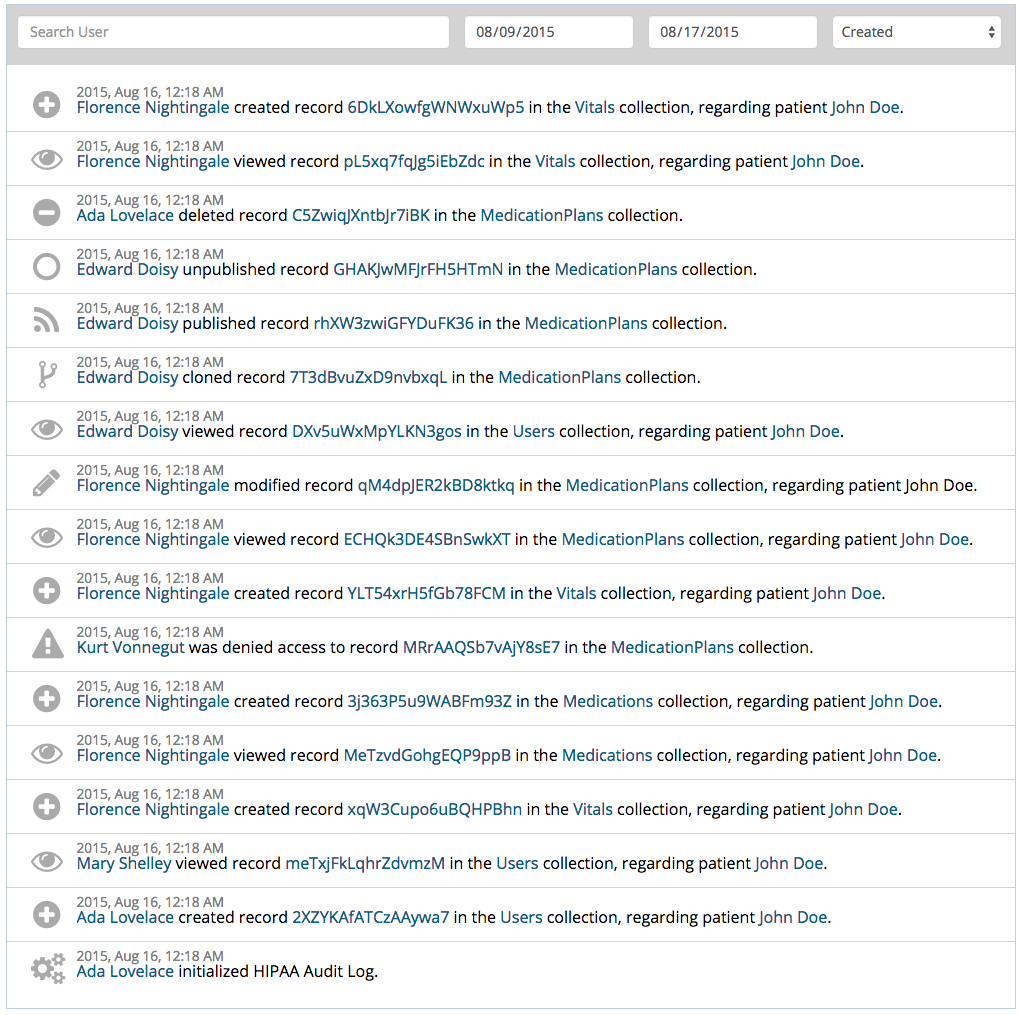
HIPAA logging and audit features for Meteor Apps built with Clinical UI.
====================================================
Installation
The HIPAA audit log is now split into two packages: one for the logging, and one for the UI. Please see clinical:hipaa-logger for the logging portion.
meteor add clinical:hipaa-audit-log
meteor add clinical:hipaa-logger
====================================================
URL Routes
Navigate to the audit log via the default route:
Router.go('/audit');
====================================================
Provided Templates
Three templates are provided by this package:
{{>hipaaAuditLog}}
{{>hipaaRibbon}}
{{>hipaaLogPage}}
====================================================
Styling and Classes
You can adjust the styling of the audit log through the configuration object. The following example shows how to style the audit log with Bootstrap controls.
  HipaaAuditLog.configure({
    classes: {
      input: "form-control squee",
      select: "form-control",
      ribbon: ""
    },
    highlightColor: "#006289"
  });
====================================================
StarryNight/Nightwatch API - Provides
// component API calls
reviewHipaaAuditLogPage()
hipaaLogEntryContains(rowIndex, hipaaEvent)

// actions
logHipaaEvent(hipaaEvent, timeout)
License
