
1.1 KiB
1.1 KiB
| sidebar_position | title |
|---|---|
| 2 | Add & Commit Changes |
Add & Commit Changes
Add Changes
Objective
Select modified files and place them into the staging area before committing.
Steps
- Modify one or more files in the project.
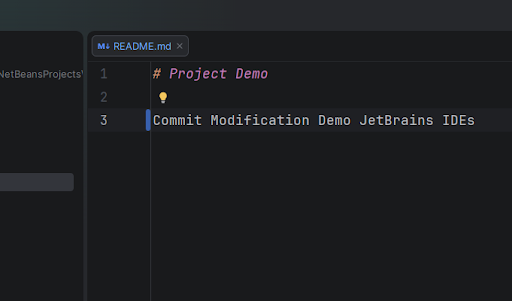
- Open the Commit window using one of the following methods:
- Click the Commit icon in the left toolbar
- Or press: Ctrl + K
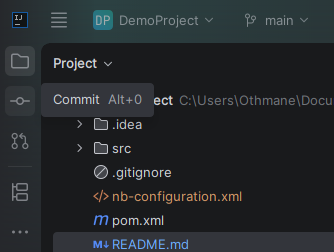
- The Commit window opens.
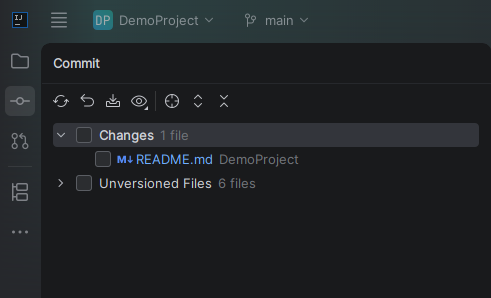
- Select the files to stage using the checkboxes.
- Ensure the files appear in the Changes section.
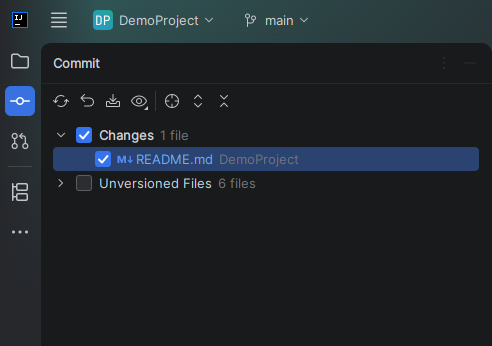
Commit Changes
Objective
Save local changes to the local Git repository.
Steps
- Ensure files are staged.
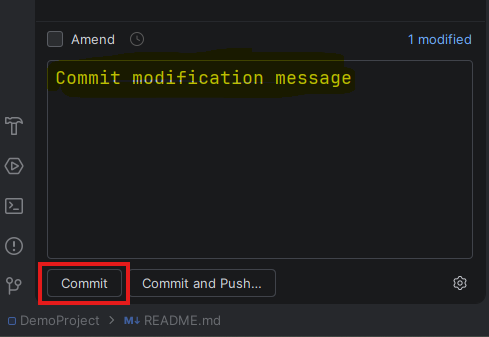
- Enter a commit message in the Commit Message field.
- Click the Commit button.
- After a successful commit, you should get the following notification.

NOTES:
- There is no way to change or verify the committer's name in JetBrains IDEs, you must do so via the command line.